
High-Speed Barcode & POS
Eliminate queues and manual errors with a lightning-fast Point of Sale system. Our POS is optimized for speed, fully compatible with standard barcode scanners, and designed to make your checkout process seamless and professional.
Scan, Bill, Done. It's That Fast.
What it is: A simple, intuitive, and incredibly fast Point of Sale (POS) interface that works seamlessly with standard barcode scanners.
The Problem it Solves: For retail businesses, speed at the counter is everything. Manually searching for products and entering prices is slow, leads to long queues, frustrates customers, and is prone to costly billing errors.
Why it's Important: A fast checkout experience directly translates to higher customer satisfaction and increased throughput. It allows you to serve more customers in less time, maximizing your revenue potential during peak hours.
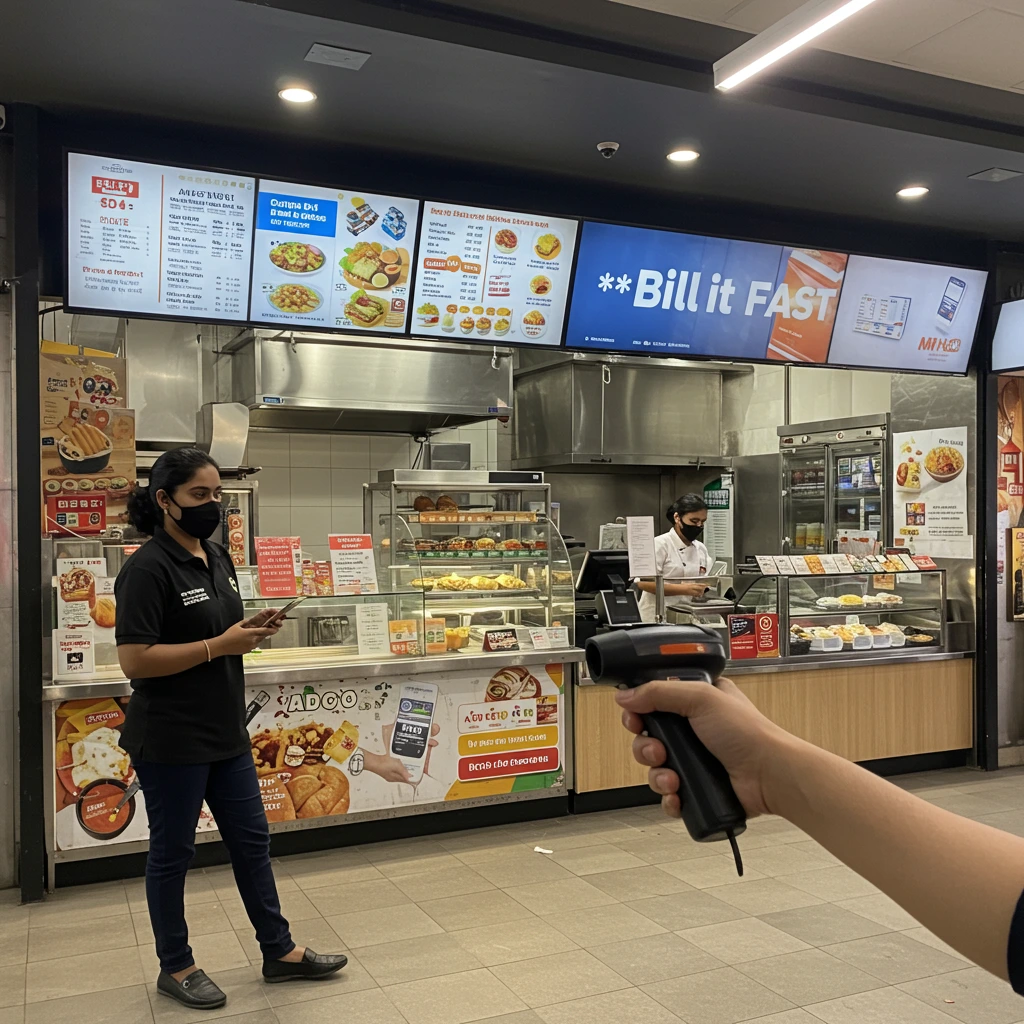
What Your Business Gains
Turn your counter into a high-efficiency sales machine.
Dramatically Faster Checkout
Process transactions in seconds, not minutes. Keep your queues short and your customers happy.
Eliminate Billing Errors
Scanning barcodes removes the risk of manual price entry errors, ensuring 100% billing accuracy.
Improve Customer Satisfaction
A quick and smooth checkout process is a key part of a positive shopping experience that encourages repeat business.
Easy for Staff to Learn
The simple scan-and-bill interface is incredibly intuitive, meaning new cashiers can be trained in minutes.
How to Set It Up
Switch to high-speed billing in just a few steps.
Use Simple POS Mode
Ensure your business is set up in 'Simple POS' mode, which is designed for retail. You can create a new business in this mode from the Admin Panel.
Add Products with Barcodes
Navigate to the 'Inventory' page. When adding a product, enter its correct 13-digit barcode. You can also use our bulk upload feature to add many products at once.
Start Scanning
Go to the 'Billing' page and select the 'Barcode Billing' tab. Connect your USB barcode scanner and start scanning items. They will be added to the bill automatically.
See It in Action
Use Case: The Local Kirana Store
The Challenge
A kirana store owner struggles with long queues during evening rush hour. His staff waste time looking up prices for hundreds of different items, sometimes making mistakes.
The Solution with Bill It FAST
The owner implements the Simple POS mode with a barcode scanner. Now, the cashier simply scans each item—a pack of biscuits, a bottle of oil, a bar of soap. Each scan instantly adds the product and its correct price to the bill. The entire billing process for a basket of 10 items now takes under a minute.
Frequently Asked Questions
Your questions about Barcode & POS, answered.